


Article
How to Apply for a Tax Refund: A Step-by-Step Guide to Claiming Your Refund and Checking the Status
How to Claim a Tax Refund: Guide to Requesting a Refund via My Tax Account or D-MyTax, Checking Your Tax Refund Status, Required Documents, and Tips to Get Your Refund Faster
Already filed your tax return but have not received your refund yet? Many people may wonder how to claim a tax refund, what documents are required, or which channels can be used to check tax refund status.
A tax refund is an important area that every business and entrepreneur should manage properly in accordance with the Revenue Department’s regulations to maximize benefits for business operations. Managing this process involves many tax-related matters, from filing tax returns, paying taxes, making tax payments, to checking tax refund status. These are all areas that business owners should study and understand in detail.
This article summarizes the steps to claim a tax refund, how to check tax refund status, documents you should prepare, and tips to help ensure your online tax filing is accurate, reduce the chance of being asked for additional documents, and increase the opportunity to receive your refund faster.
Key Takeaway
- A tax refund is the portion of tax overpaid through withholding tax or advance tax payments. Taxpayers can request a refund from the Revenue Department after filing their tax return.
- Taxpayers can check their tax refund status by themselves through the Revenue Department’s website by accessing the D-MyTax / My Tax Account menu and selecting refund status tracking or document submission, or by contacting the local Revenue Office according to their registered address.
- Taxpayers should complete all tax filing information accurately, verify income, withholding tax, and tax deduction documents before confirming the filing, attach or upload all required documents, and link PromptPay with their 13-digit national ID number to reduce the chance of being asked for additional documents and help receive the refund faster.
Table of Contents
- What is a tax refund? Who is eligible to claim one?
- How to check tax refund status with the Revenue Department
- Which channels can be used to claim a tax refund?
- Documents required for claiming a tax refund
- Tips for filing taxes to receive a refund faster
What is a tax refund? Who is eligible to claim one?
A tax refund is the amount of money that a taxpayer has paid in excess of the actual tax payable. This may occur from withholding tax deducted throughout the year or advance tax payments made in an amount greater than the tax calculated after deductions. After filing a tax return, if it is found that tax has been overpaid, the taxpayer can request a tax refund from the Revenue Department. Those eligible to claim a tax refund include:
- Individuals who earn income and have had withholding tax deducted, such as full-time employees, freelancers, or people with multiple income sources, and after filing their personal income tax return, find that they have paid more tax than the actual amount due after deductions.
- Entrepreneurs or businesses that have registered a company, filed taxes, and fully exercised their tax deduction rights or tax benefits, and find that they have overpaid tax.
The Revenue Department will refund tax by transferring the amount to a bank account registered with PromptPay using the national ID number, or by issuing a tax refund notice in certain cases, such as for foreigners, ordinary partnerships, or estates.
How to check tax refund status with the Revenue Department
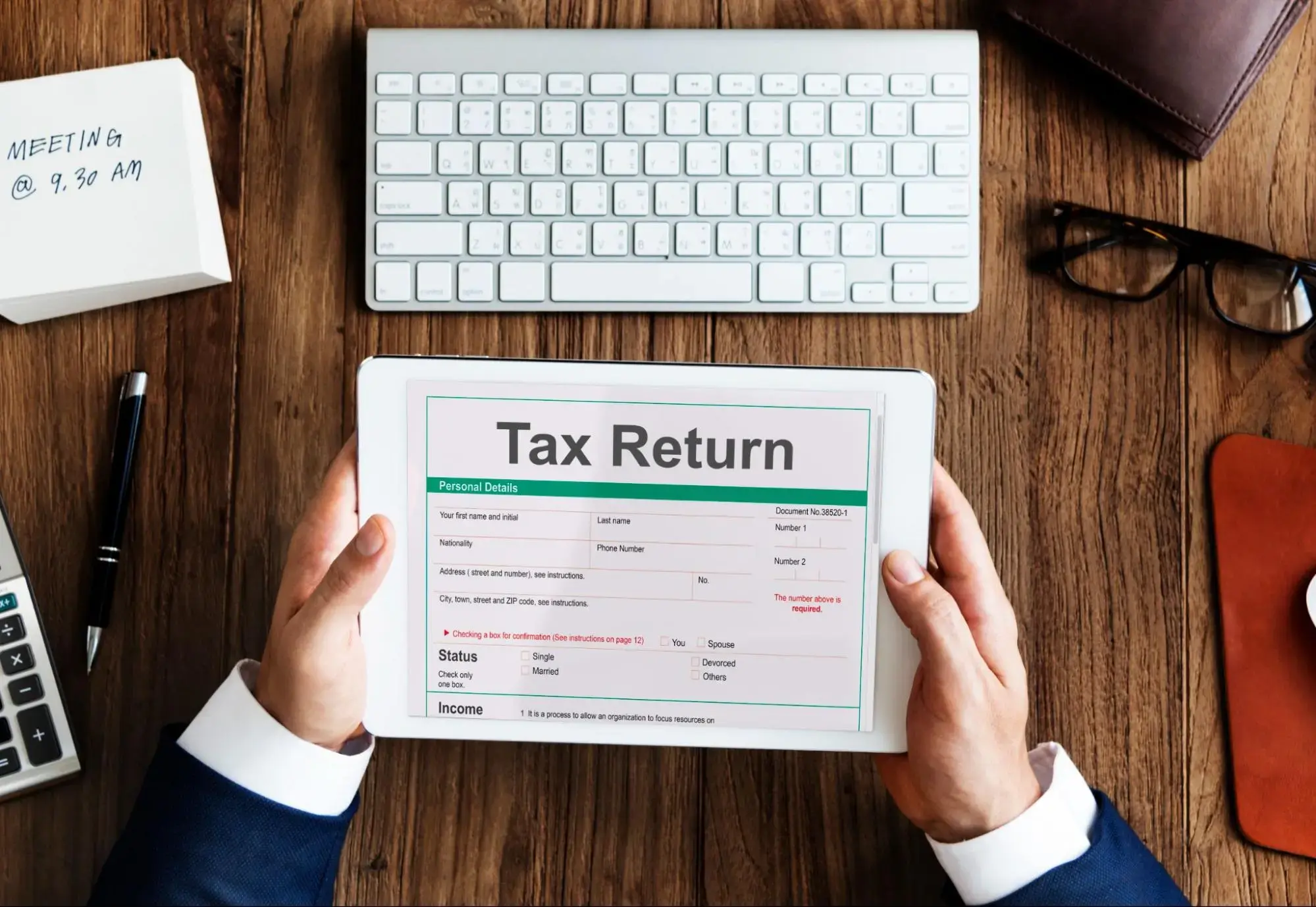
After submitting a tax refund request, the next step is to check your tax refund status. You can check and review the details of your tax refund request status. Currently, the Revenue Department provides a system that allows taxpayers to check refund status by themselves through online channels, or by contacting the local Revenue Office according to the address stated in the tax return. You can check your tax refund request status through the following steps:
Channel 1: Check via the Revenue Department (RD) website
At present, checking tax refund status is easy and convenient through My Tax Account / D-MyTax on the Revenue Department’s website. This channel allows taxpayers to track tax refund requests and submit additional documents. The main steps are as follows:
1. Visit the Revenue Department website. There are 2 options:
• Go to www.rd.go.th, select My Tax Account, then choose tax information verification
• Access the D-MyTax system link according to the guide recommended by iTAX
2. Log in through the selected channel
• www.rd.go.th: Log in with RD ID using your taxpayer identification number or national ID number + password + Laser ID on the back of your national ID card
• D-MyTax: Log in with the Digital ID you have registered
3. The system will ask you to verify your identity with an OTP sent to your phone number or email. Enter the OTP and confirm
4. Once logged in, select the menu “Track refund status / Submit documents”
5. The system will display your tax refund request status, which may appear in 3 forms:
• Information under review
• Refund in process
• Refund completed, with details of the refund channel used
Note: If the system asks you to submit additional documents, such as income verification documents or deduction evidence, you should take action promptly to avoid delays in the tax refund review process. You can upload documents through the online system under the “Track refund status / Submit documents” menu, which is part of e-Tax.
Channel 2: Contact the local Revenue Office according to the registered address used in your tax filing
If you are not comfortable checking your tax refund status online, or if you have checked the system and still have additional questions, you can contact the local Revenue Office according to the address shown in the P.N.D.90 or P.N.D.91 tax return you submitted. This is also related to the management of salary withholding tax and overall tax obligations.
This channel is also suitable for cases such as when the system requests additional documents but you are unsure which documents are required, the tax refund is taking longer than usual, the refund amount received is lower than expected, you have not received the tax refund notice, or you need to correct information related to receiving the refund. You can request guidance from the local Revenue Office to issue a new refund notice or correct the necessary information.
Which channels can be used to claim a tax refund?
When claiming a tax refund from the Revenue Department, taxpayers can choose to receive their tax refund through eligible channels. There are 3 main channels as follows:
1. Receive the refund into a bank account registered with PromptPay using the 13-digit national ID number. The Revenue Department will transfer the refund to the registered account once the request is approved
2. Receive the refund through a designated bank. If you do not wish to receive the refund via PromptPay, the Revenue Department may issue a personal income tax refund notice, or K.21 form, for the taxpayer to contact a designated bank, such as Krungthai Bank or BAAC, according to the Revenue Department’s conditions
3. Receive a tax refund cheque by post. For certain groups of taxpayers who cannot register PromptPay with a national ID number, such as foreigners, ordinary partnerships, groups of persons, community enterprises, or estates, the Revenue Department may issue a tax refund notice with a cheque for deposit into a bank account according to the specified procedure
Documents required for claiming a tax refund
1. National ID number or taxpayer identification number
2. Withholding tax certificate, or 50 Tawi, showing total income and tax withheld throughout the year
3. Tax deduction documents according to eligible rights, such as:
• Life insurance premiums / home loan interest
• Parental support allowance / child education expenses
• Tax-saving funds such as SSF or RMF
• Donation receipts
4. PromptPay information linked to your national ID number, used to receive the tax refund through the registered bank account
Tips for filing taxes to receive a refund faster

Whether a tax refund can be processed quickly depends on the accuracy of the information, supporting documents, and the refund channel selected. If you want to increase the chance of receiving your refund faster, you should prepare everything before filing taxes online by following these steps:
- Link PromptPay with your national ID number to allow the Revenue Department to transfer the refund directly into your bank account.
- Complete online tax filing information accurately and thoroughly to reduce the risk of mismatched information with the Revenue Department’s database.
- Before confirming your tax return, check the accuracy of your income, withholding tax, and all tax deduction rights. If you claim deductions such as life insurance, SSF or RMF funds, home loan interest, or donations, keep all supporting documents in case the Revenue Department requests additional evidence.
- If the system status indicates that additional documents are required, upload them promptly through the “Track refund status / Submit documents” menu, as delayed document submission may prolong the tax refund review process.
- After filing your tax return, regularly check the status through D-MyTax / My Tax Account to see which stage your tax refund request is in and whether any additional documents are required.
Frequently Asked Questions (FAQs)
How many days does it take to receive a tax refund?
In general, the Revenue Department states that it will process tax refunds within 3 months from the date the tax refund request is received and all supporting documents are complete and accurate. However, taxpayers who file online, link PromptPay, and submit complete documents may receive their refund as quickly as within 3-7 business days, or even faster, depending on the accuracy and completeness of the submitted information. Therefore, it is advisable to plan your finances related to using this amount during that period.
How is a tax refund calculated?
Tax refund = Total tax withheld/paid during the year - Actual tax payable
The actual tax payable is the tax calculated from net income after deducting expenses and applying all eligible tax deductions. If the result after calculation is a positive amount, it means you are entitled to claim a tax refund for that amount.
What should I do if I need to correct my tax filing information?
If you have already filed your tax return and find that the information was entered incorrectly, you can submit an additional or amended tax return through the Revenue Department’s online tax filing system within the filing deadline. However, if the deadline has passed, you must file the correction or additional return in person at the local Revenue Office.
Tax Refund Guide: Prepare Your Documents Completely to Receive Your Refund Faster
When claiming a tax refund, it is necessary to carefully prepare all relevant documents and clearly understand the process to ensure that the request can be handled correctly and that the refund is received as quickly as possible. Taxpayers should prepare both personal income tax calculations and online tax payment arrangements before the upcoming 2026 online tax filing period for individuals and businesses.
For entrepreneurs looking for a solution to manage online payment systems, KGP is a full-service online payment provider that enables merchants to accept payments through a wide range of channels, including Meta Pay, QR Payment, Mobile Banking, credit/debit cards, Payment Link, TrueMoney Wallet E-Wallet, and ODD (Online Direct Debit). These solutions help keep your financial data organized, accurate, and ready for efficient tax filing and tax refund claims.
KGP, Payment. Make It Smooth.
LinkedIn : Kasikorn Global Payment
References
1. Tax refund request. (2024, March 8). The Revenue Department. https://www.rd.go.th/63437.html
2. Check tax refund status 2024 through the Revenue Department’s D-MyTax system. (2025, February 12). iTAX. https://www.itax.in.th/media/เช็กสถานะเงินคืนภาษี-2567/
Related News/Articles
Follow Us