


Article
How to Create a Website: A Beginner-Friendly Guide with No Coding Required
How to Build a Website Without Coding: From Planning and Design to Choosing a Platform and Setting Up Online Payments for a Business Website That’s Ready to Sell
Today, selling products exclusively through E-Commerce platforms or Marketplaces may no longer be enough for businesses seeking long-term growth. Having your own website gives you greater control over your online storefront, from its design and customer experience to product presentation and payment management. Building a website is also much easier than many people think. Even without coding experience, you can create a website using an instant website builder or WordPress.
This article provides a step-by-step guide to building a website, covering everything from planning and platform selection to web design and online payment integration, so your business website is ready to sell.
Key Takeaways
- You can now build your own website without coding by using an instant website builder or WordPress.
- Before building a website, clearly define your goals, domain name, budget, content, and preferred payment methods.
- A good website should be easy to use, mobile-friendly, fast-loading, and equipped with a reliable online payment system.
- Integrating a Payment Gateway that supports multiple payment methods makes it easier for customers to pay by credit card, QR Code, E-Wallet, or other available options.
- KGP helps businesses integrate online payment solutions smoothly and supports their long-term growth.
Table of Contents
- What Is a Website and Why Does an Online Business Need One?
- Your Website: What Should You Decide Before Getting Started?
- Which Website-Building Option Is Right for Your Business?
- How to Build a Website Without Coding in 7 Steps
- Set Up Online Payments on Your Website with KGP
- Frequently Asked Questions (FAQs)
- Build a Business-Ready Website with KGP Online Payment Services
What Is a Website and Why Does an Online Business Need One?
A website is an online space that your business truly owns. Unlike selling through a Marketplace or social media platform, where businesses must operate under each platform’s rules, having your own website allows your brand to design its storefront and communicate with customers more freely.
For an online business, building an effective website involves more than creating an attractive design. The website must support the entire sales process, from displaying products to integrating a Payment Gateway that allows customers to complete payments through multiple methods in one place. Having your own website may also help reduce platform fees and GP fees while enabling your business to collect customer data for long-term marketing planning.
Planning Your Website: What Should You Decide Before Getting Started?
Building a successful website starts with clearly planning what the website needs to include. This helps reduce the time and effort required for revisions later. Key considerations include:
- Website objectives: Decide whether the website will primarily provide information about your brand or sell products through an E-Commerce platform.
- Budget and timeline: Set a budget for your domain, hosting, and website-building tools, whether free or subscription-based.
- Platform: Choose between an instant website builder and WordPress based on your experience and business requirements.
- Payment methods: Decide which payment methods you want to offer, such as online credit card payments or other payment options.
- Content and images: Prepare your product information, images, and website copy in advance.
Which Website-Building Option Is Right for Your Business?
The right way to build a website depends on your level of experience and the amount of customization your business requires. Website-building options can generally be divided into two main approaches:
Using an Instant Website Builder
An instant website builder is a ready-to-use website creation tool that may offer free or paid plans. It is suitable for businesses that want to launch a website quickly and build it independently. These platforms provide a wide selection of ready-made templates and drag-and-drop tools, allowing users to design web pages without writing code. This option is particularly suitable for small businesses looking to create a simple website.
Using WordPress
WordPress is a popular website-building platform used by many well-known businesses. It is suitable for businesses that require greater flexibility and customization, with a wide selection of plugins and themes available. It also supports additional features that may be needed in the future, such as membership systems and shopping carts. However, compared with an instant website builder, WordPress may require slightly more time to learn and configure.
How to Build a Website Without Coding in 7 Steps
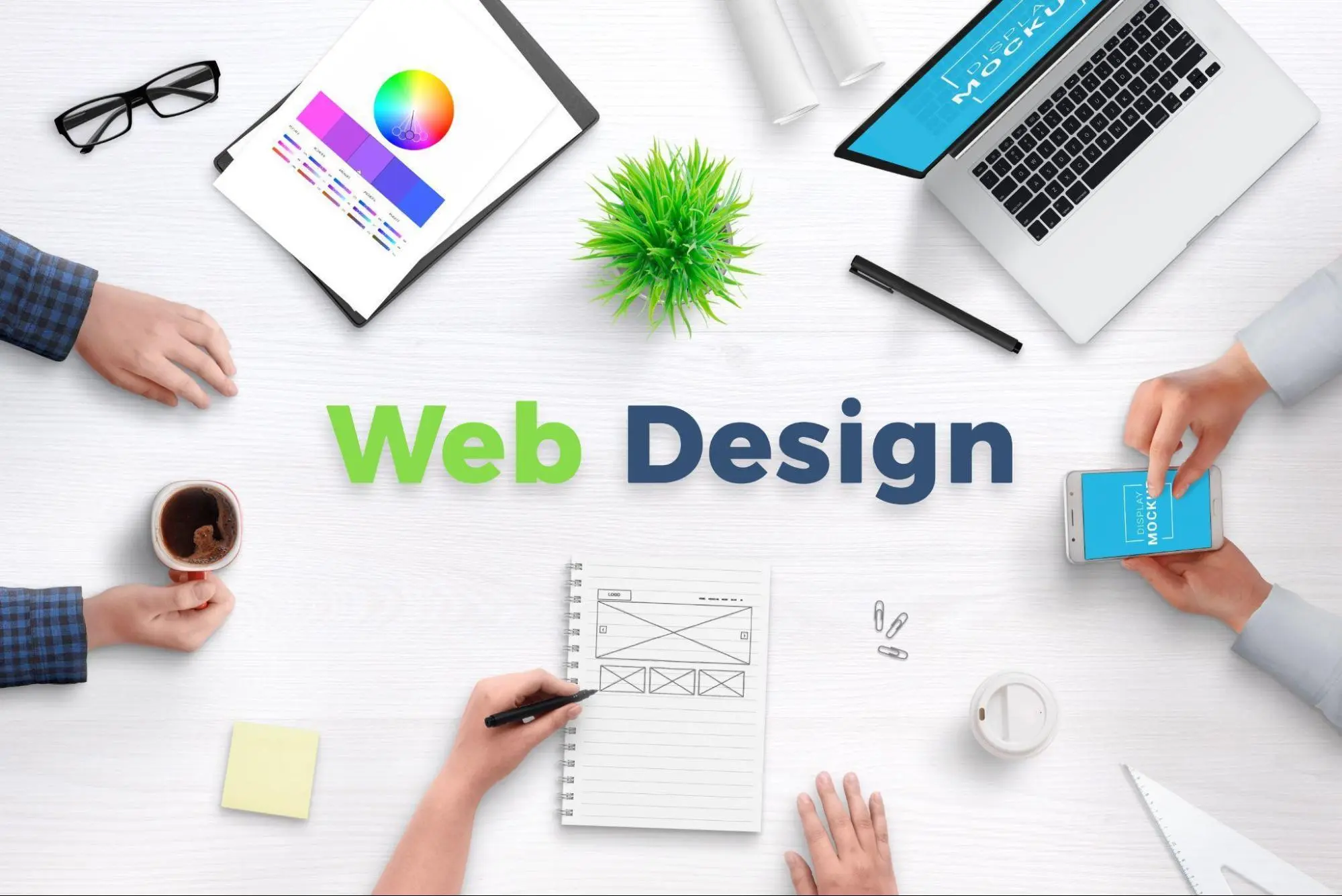
Businesses that want to build their own websites without hiring a developer or writing code can follow these seven steps:
1. Sign Up and Choose a Platform
The first important step is choosing the website-building platform that best suits your business model, whether it is an instant website builder or WordPress. Once you have selected a platform, choose a plan and storage capacity that align with your budget and business size. Compare the features and annual fees before making a decision to ensure the platform can cost-effectively support your business as it grows.
2. Choose a Domain Name
Choosing a domain name is similar to selecting a location and storefront sign for your business in the online world. Your domain name should be short, clear, and easy to remember. It should also immediately communicate your brand identity or the nature of your business.
Before officially registering a domain, check with a domain registration provider to ensure that the name is still available. This can help prevent potential legal issues or confusion with other websites. You should also choose an appropriate domain extension, such as .com or .co.th for businesses operating in Thailand, to enhance your brand’s credibility among customers.
3. Choose a Template
A template provides the main structure that shapes the user experience on your website. Choose a design that directly supports your objectives and type of business, whether it is an online store focused on showcasing product images or a corporate website designed to strengthen business credibility.
Most importantly, choose a template with a responsive design that automatically adjusts to different screen sizes, particularly mobile devices. Many users browse websites and complete transactions primarily on their smartphones, so selecting the right structure from the beginning can save considerable time later.
4. Customize the Layout, Colors, and Fonts
Customizing the website’s design plays an important role in creating a memorable brand image and identity. Keep the layout organized and visually clean, and use only two or three primary brand colors to maintain a consistent appearance without making the website feel overwhelming.
For typography, choose a modern and easy-to-read font with appropriate sizes and spacing for both desktop and mobile screens. Paying attention to these details can make your website easier to use and encourage visitors to spend more time exploring it.
5. Add Content and Images
Bring your website to life by preparing high-resolution images that are attractive and professional. These should be accompanied by concise, easy-to-understand content that directly addresses what customers are looking for. In addition to visual quality, give each image file a descriptive name and include alternative text, or Alt Text, for every image.
These practices can make your content more engaging, improve its visibility in search results, and help increase customers’ confidence when making purchasing decisions.
6. Configure SEO Settings
After adding your content and images, complete the basic SEO settings to improve your website’s chances of appearing in Google search results. Start by identifying primary keywords related to your business, such as product names, service categories, or problems your customers are trying to solve. Use these keywords in important areas, including the page title, Meta Description, headings, URL, and image Alt Text.
You should also connect your website to Google Search Console to monitor how Google crawls and indexes it. Regularly check the website’s loading speed as well. A fast-loading website that is easy to use and optimized for mobile devices can provide a better visitor experience and may positively contribute to its Google search ranking.
7. Publish the Website
Before officially publishing your website, carefully check that all information and functions are working correctly. Consider going through the website from a customer’s perspective to test the entire user journey.
Test every link, contact form, shopping cart function, and payment integration to ensure that everything works properly and securely. Once you are confident that the website is complete and error-free, you can launch it and provide customers with a positive experience from their very first visit.
Connect Online Payments to Your Website with KGP
Once your website is ready, another essential component for selling products and services effectively is an online payment system that is convenient, secure, and aligned with today’s consumer payment preferences.
Integrating a Payment Gateway enables your website to accept online payments through multiple methods within a single system, including credit cards, debit cards, QR Code payments, and E-Wallets. This can streamline the payment process, make transactions more convenient for customers, and help them complete their purchases more easily.
For businesses looking to use their websites as a sales channel, KGP is ready to be your online payment partner. Its Payment Gateway Thailand service helps businesses integrate online payments with their websites smoothly and supports a wide range of payment methods, making online sales easier to manage.
Frequently Asked Questions (FAQs)
Can I Build a Free Website Without Paying for a Domain?
Yes. You can use a free website-building platform that provides a subdomain. However, if you want to build long-term brand credibility, registering your own domain, such as .com or .co.th, can make your website appear more professional.
Which Is Better for Beginners: an Instant Website Builder or WordPress?
An instant website builder is suitable for beginners who want to create a website quickly, use simple tools, and avoid complicated configurations. WordPress is better suited to businesses that need greater design flexibility and want to customize features or expand their website in the future.
How Can I Accept Online Payments After Building My Own Website?
Businesses can integrate their websites with a Payment Gateway that supports payment methods such as credit cards, debit cards, installment payments, QR Code payments, and E-Wallets. This allows customers to pay conveniently and securely through the website.
Build a Business-Ready Website with KGP Online Payment Services
Building a website no longer needs to begin with writing code. By choosing a platform that suits your business, creating an effective website structure, and integrating an online payment system, your business can launch a website that is ready to sell online and support long-term growth.
For businesses looking for an online payment partner, KGP is ready to help make every stage of the payment process smooth. With support for a variety of payment methods, KGP helps businesses manage online sales with confidence across every transaction.
KGP, Payment. Make It Smooth.
For more information, please visit:
Related News/Articles
Follow Us